 Infrastructure
KafkaLens
Inspect Kafka messages, consumer groups and schemas from your Mac.
- Platform
- macOS
- Licence
- MIT
- Documentation
- Read the guide
In the app
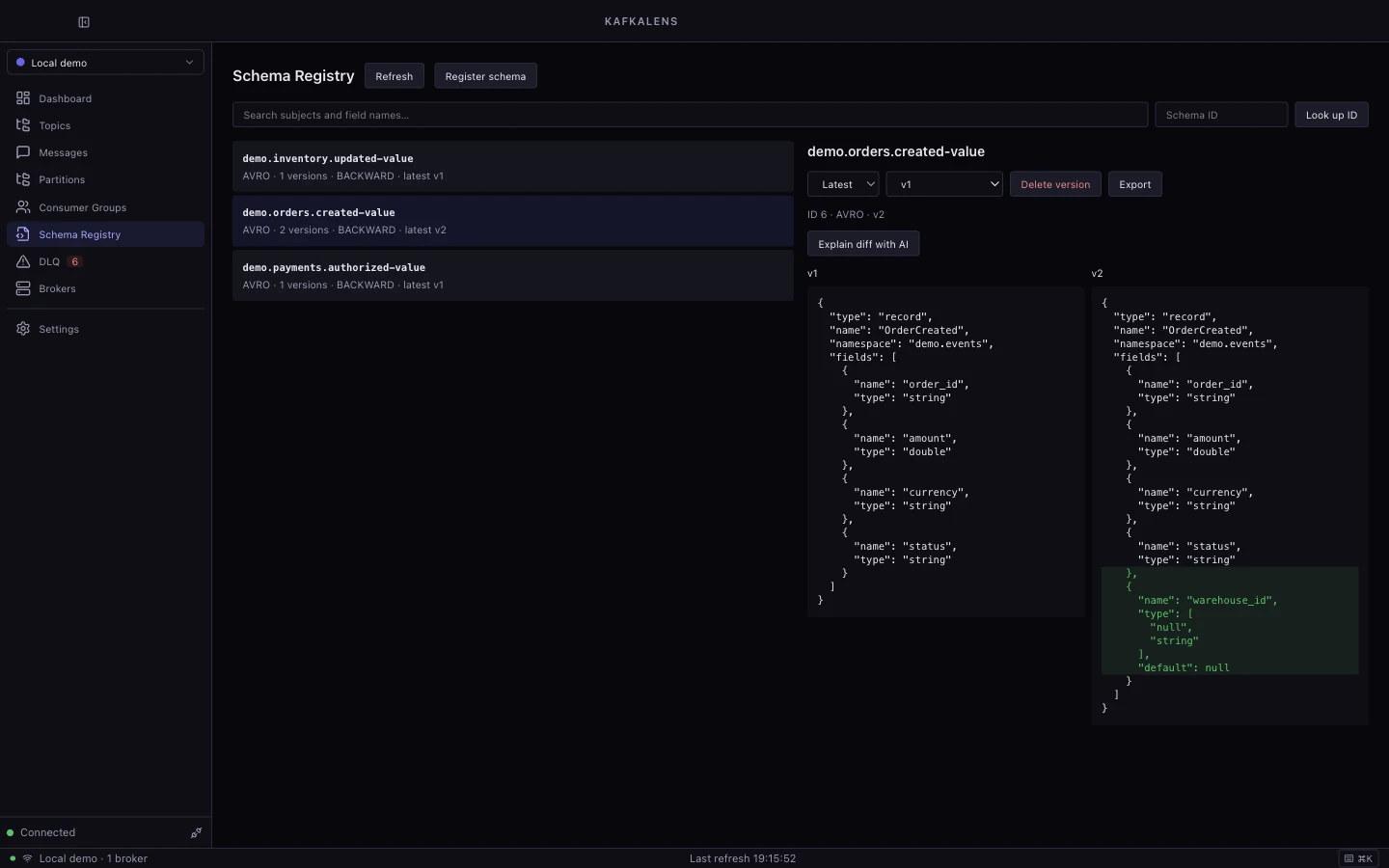
A workspace for Kafka investigations
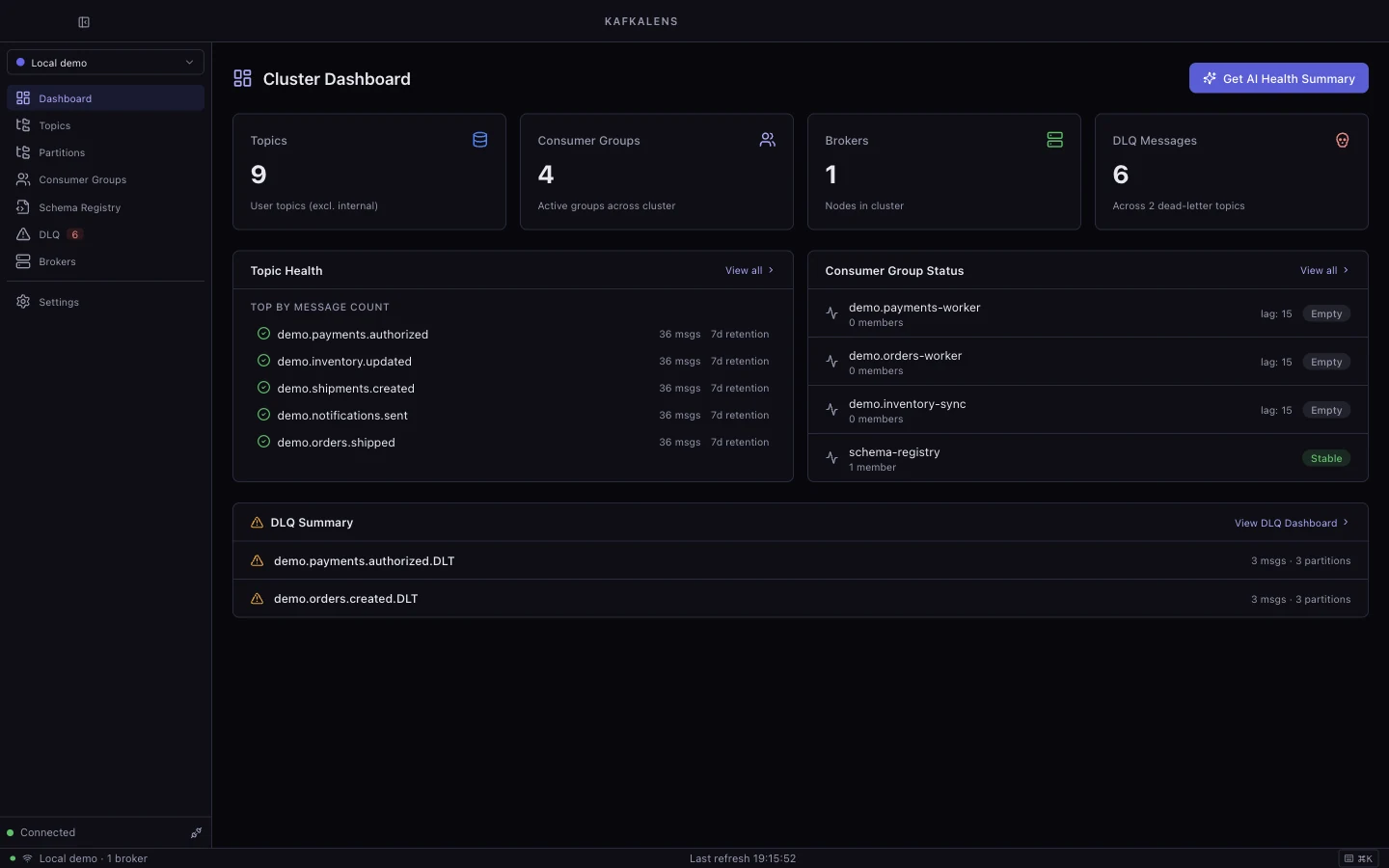
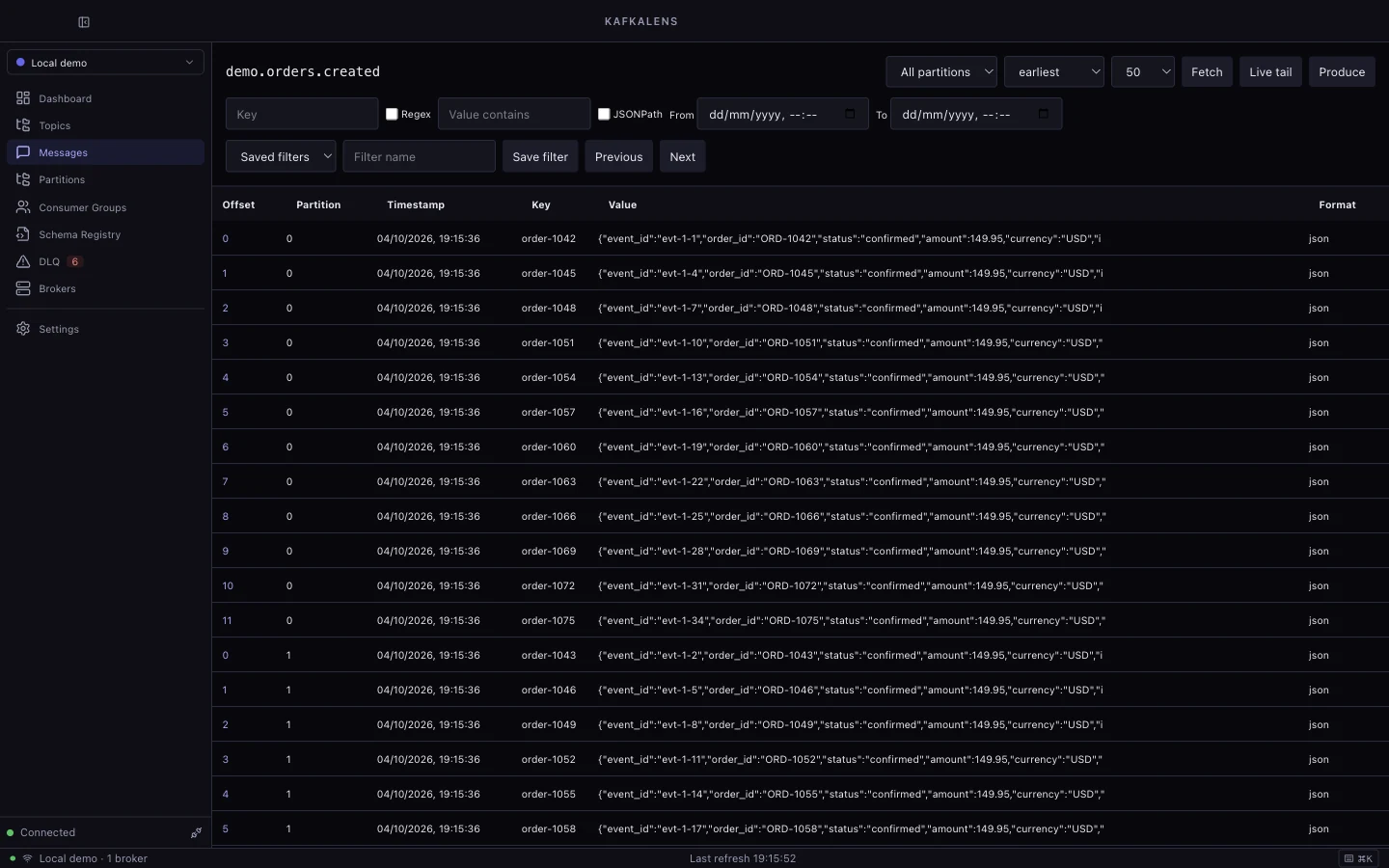
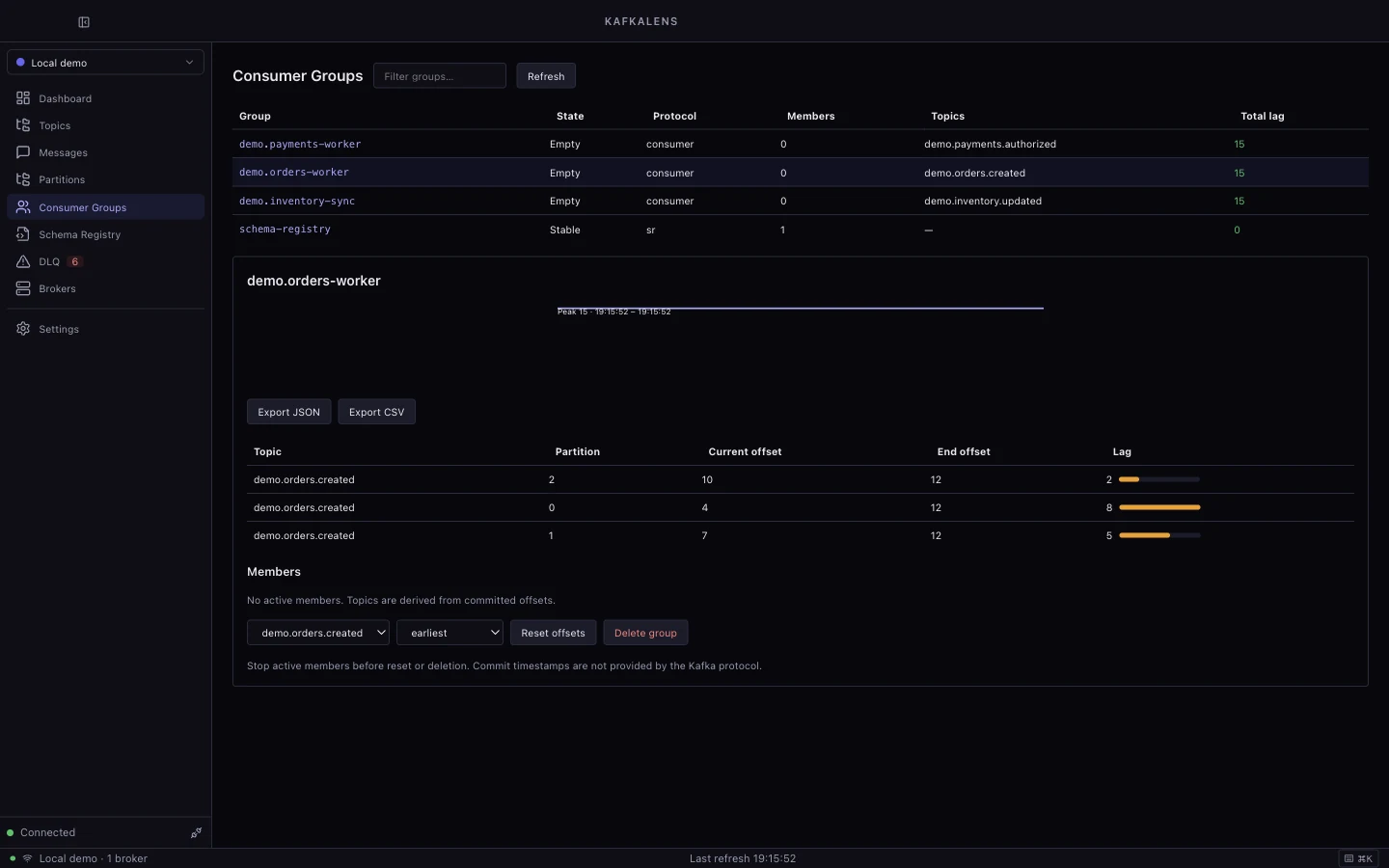
KafkaLens brings topic, partition, message, consumer-group, Schema Registry and broker views into one macOS desktop app. Use it to follow messages, understand lag and inspect the shape of your event data.
An optional AI assistant can help explain messages and investigate problems using your configured provider.
What you can do
- Browse messages with offsets, partitions, decoded values and filters.
- Inspect consumer groups, committed offsets and lag.
- Compare schema versions and field changes.
- Investigate dead-letter queues and replay failed records.
- Inspect brokers and cluster health from a single dashboard.
Getting started
git clone https://github.com/Captain-Sangam/KafkaLens.git kafkalens
cd kafkalens
make install
make check
make export
Launch KafkaLens from Spotlight. Open Settings → Add Cluster, enter your bootstrap servers and authentication details, test the connection, and save it.
Docker Compose is optional for running the project’s disposable local Kafka fixtures. Follow the README for fixture configuration and development commands.
Things to know
Version 1.0.0 is in release preparation. Source builds are available; signed distribution and remaining acceptance checks are tracked in the validation results.
The local build is unsigned. Schema Registry and AI features require their corresponding services; cloud AI usage may incur provider charges. Cluster changes and replay operations should be performed with appropriate access and care.
Explore the source
KafkaLens is available under the MIT licence, with third-party attribution in its repository. Read the documentation or explore the source code.