 Desktop
bonk
Block unwanted keyboard and mouse input. Keep your desktop visible.
- Platform
- macOS
- Licence
- MIT
- Documentation
- Read the guide
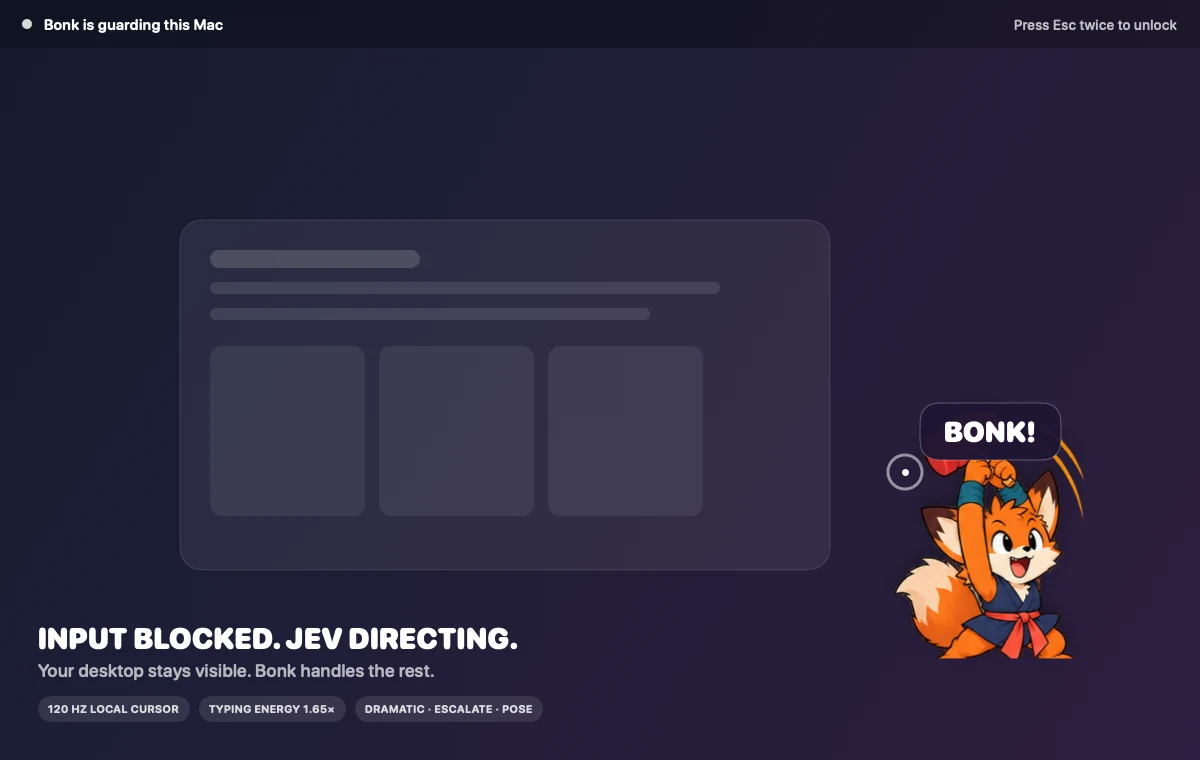
In the app
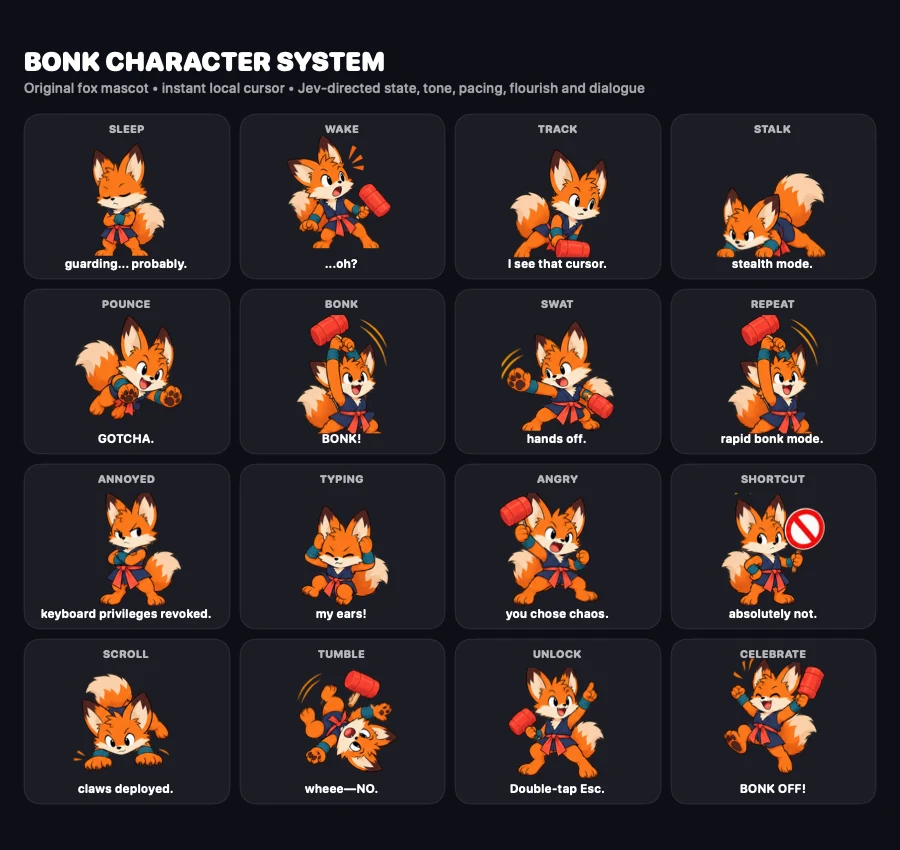
Give your desktop a little personality
Bonk is a playful input guard for macOS. A tiny fox reacts while unwanted keyboard, mouse and trackpad input is blocked, with your Mac awake and its desktop still visible.
Choose the classic fox, a black-screen appearance, or an away-screen that lists agents still running. Reactions run locally, with optional Jev creative direction.
What you can do
- Activate the guard from its menu-bar control or keyboard shortcut.
- Choose a guard mode to suit the moment.
- Watch the fox react to attempted input with different poses and expressions.
- Enable an optional intrusion camera in Settings.
- Start owner authentication by pressing Escape twice to unlock.
Getting started
git clone https://github.com/Captain-Sangam/bonk.git
cd bonk
make export
Launch Bonk from Spotlight or Applications and grant Accessibility permission in System Settings → Privacy & Security → Accessibility.
Activate the guard from the menu-bar paw or with Shift–Command–B. Press Escape twice to start owner authentication and unlock.
Things to know
Bonk is an input guard, not a replacement for the macOS Lock Screen. Anything already visible remains visible. Use the macOS Lock Screen whenever you need that security boundary.
The camera feature is optional and requests its own permission when enabled. See getting started for permission setup, unlock timing and Jev configuration.
Explore the source
Bonk is available under the MIT licence. Visit the repository for the full character behaviour, packaging instructions and contribution details.